Desktop Support Staffing Challenges That Impact Business Performance
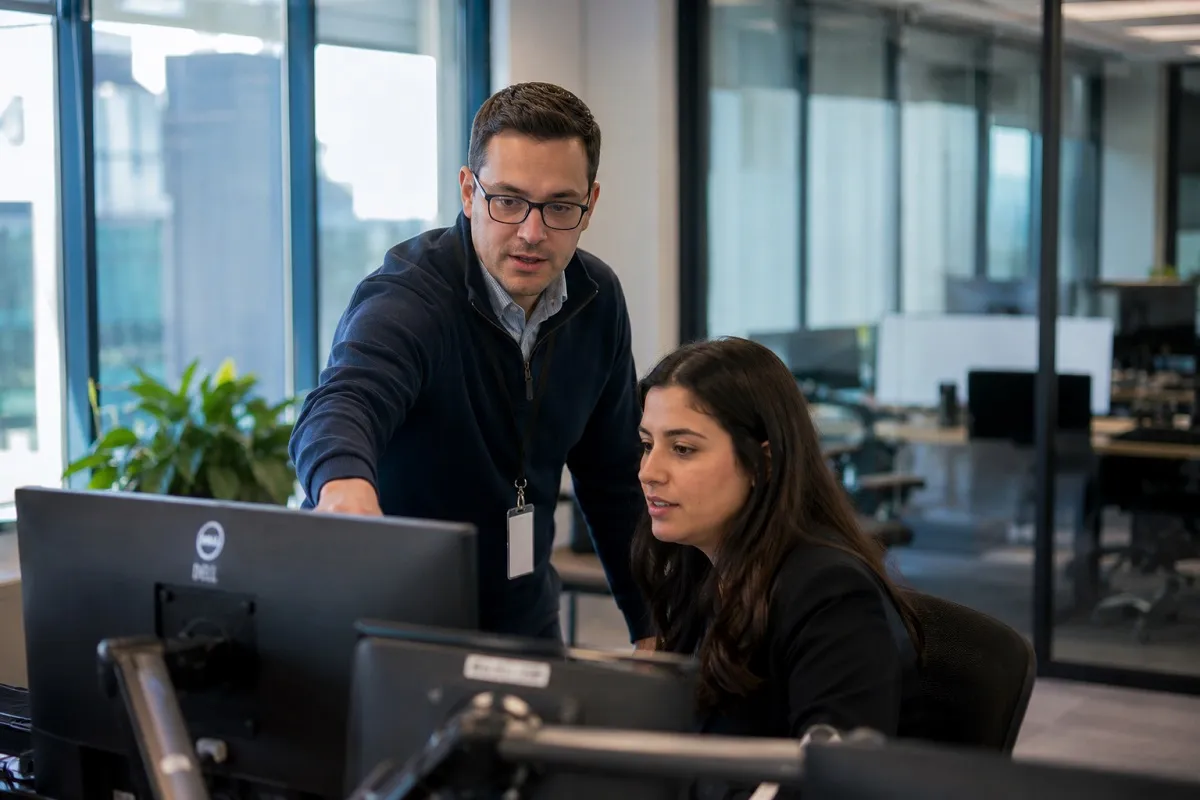
For many organizations, Desktop Support is viewed as an operational function until hiring delays begin affecting productivity. A single unfilled Desktop Support position can quickly create ticket backlogs, delayed onboarding, recurring hardware failures, frustrated employees, security risks, and increasing pressure on senior infrastructure teams. While many candidates appear qualified on paper, employers often discover after hiring that technical knowledge alone rarely predicts long-term success in enterprise support environments.
At Tier2Tek Staffing, Desktop Support recruiting is approached from an operational perspective rather than simply matching resumes to job descriptions. We evaluate how candidates troubleshoot under pressure, communicate with nontechnical users, prioritize competing incidents, adapt to changing technologies, and contribute to stable IT operations over time. These practical recruiting observations consistently separate exceptional support professionals from average technicians.
Why Desktop Support Has Become Increasingly Difficult to Staff
Desktop Support hiring has changed dramatically over the past several years. Organizations are supporting hybrid workforces, cloud-first infrastructures, mobile devices, multiple collaboration platforms, cybersecurity initiatives, and increasingly complex endpoint environments.
Hiring managers frequently underestimate how much broader the Desktop Support role has become.
Today’s technicians often support:
- Windows 11 enterprise environments
- Microsoft 365 administration
- Azure Active Directory and Entra ID
- Intune and endpoint management
- VPN connectivity
- Multi-factor authentication
- Imaging and deployment
- Hardware lifecycle management
- Mobile device management (MDM)
- Video conferencing systems
- Printer infrastructure
- SaaS application support
- Basic networking
- Security compliance
- Asset management systems
The result is a labor market where employers compete for professionals capable of supporting modern workplace technology instead of simply fixing desktop computers.
Organizations often discover the strongest Desktop Support professionals are already employed and rarely remain available for long.
The Operational Cost of Understaffed Desktop Support Teams
When Desktop Support staffing falls behind business demand, the operational consequences extend well beyond the IT department.
Common business impacts include:
- Employee downtime increases.
- New hire onboarding slows.
- Executive support requests wait longer.
- Service Level Agreements begin slipping.
- Infrastructure engineers become distracted by end-user issues.
- Security updates are delayed.
- Hardware refresh projects stall.
- IT projects lose momentum.
- Help desk escalations accumulate.
- Employee satisfaction declines.
Many executives only measure ticket volume while overlooking the cumulative productivity loss created by unresolved technical issues across hundreds or thousands of employees.
A delayed password reset may consume five minutes.
A failed laptop deployment can delay an employee’s entire first day.
Multiply those disruptions across an enterprise and the business cost quickly exceeds the salary of an additional Desktop Support professional.
Where Desktop Support Hiring Bottlenecks Develop

Desktop Support recruiting often slows for reasons that are not immediately obvious.
| Hiring Bottleneck | Operational Impact |
|---|---|
| Overly broad technical requirements | Smaller qualified talent pool |
| Slow interview scheduling | Top candidates accept competing offers |
| Unrealistic compensation | Experienced technicians decline opportunities |
| Multiple interview rounds | Candidate drop-off increases |
| Hybrid scheduling uncertainty | Reduced applicant interest |
| Limited career growth | Lower acceptance rates |
| Delayed hiring approvals | Ticket backlogs continue growing |
Organizations frequently search for professionals possessing desktop support expertise, systems administration experience, networking knowledge, cybersecurity awareness, cloud administration skills, and project management capability within a single position.
While technically possible, these candidates command significantly higher compensation and often pursue infrastructure or systems engineering opportunities instead.
Understanding where realistic compromises can be made is one of the most valuable parts of an experienced recruiting process.
Hiring Competition Extends Beyond Traditional Desktop Support
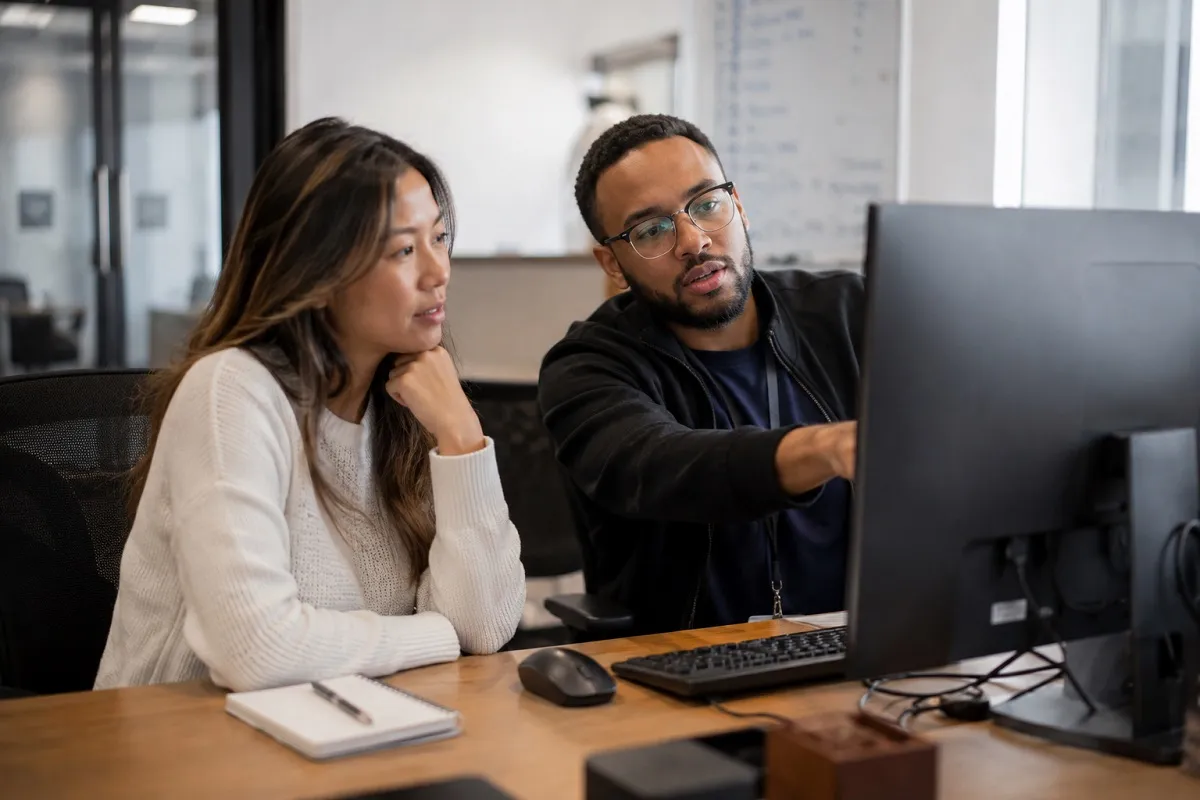
Desktop Support professionals no longer compete solely within IT support hiring.
Strong candidates are routinely recruited into:
- Systems Administration
- Endpoint Engineering
- Technical Support Engineering
- IT Operations
- Field Services
- MSP environments
- Cloud Operations
- Security Operations
- Device Management
- Workplace Technology teams
Organizations that continue evaluating Desktop Support as an entry-level position frequently lose experienced professionals to employers offering broader technical exposure and clearer advancement opportunities.
Experienced recruiters recognize these competitive dynamics before employers begin losing candidates.
Burnout Creates Hidden Retention Problems
One of the least discussed challenges in Desktop Support staffing is burnout.
Support technicians frequently balance:
- Constant interruptions
- Escalated users
- Executive expectations
- Emergency incidents
- Hardware failures
- Security requests
- After-hours support
- Project work
- Documentation responsibilities
Without proper staffing levels, technicians spend most of their day reacting rather than preventing future issues.
Eventually this creates:
- Increased turnover
- Lower documentation quality
- More recurring incidents
- Reduced customer service
- Higher absenteeism
- Knowledge loss
Replacing experienced Desktop Support professionals often proves significantly more expensive than retaining them.
Common Hiring Mistakes Employers Continue Making
Even sophisticated organizations make recurring hiring mistakes when filling Desktop Support positions.
The most common include:
Hiring solely for certifications
CompTIA A+, Microsoft certifications, or ITIL credentials provide useful foundations but rarely predict troubleshooting ability or customer interaction skills.
Overvaluing years of experience
Ten years repeating identical Level 1 support tasks may produce less capability than three years supporting a complex enterprise environment.
Ignoring communication skills
Desktop Support professionals represent the IT department daily.
Strong communication reduces escalations, improves user confidence, and increases adoption of new technology.
Assuming MSP experience automatically translates
Managed service providers produce highly adaptable technicians, but enterprise environments often require different documentation standards, change management processes, and stakeholder communication.
Rushing technical interviews
Short technical screenings often miss important behavioral indicators such as prioritization, ownership, documentation habits, and problem-solving methodology.
How Tier2Tek Evaluates Desktop Support Candidates

Technical recruiting involves much more than verifying software familiarity.
Tier2Tek evaluates candidates across multiple operational dimensions.
Technical capability
We assess experience with:
- Active Directory
- Microsoft 365
- Azure AD / Entra ID
- Windows administration
- Intune
- SCCM / MECM
- Remote support tools
- Ticketing platforms
- Endpoint security
- Imaging solutions
- Basic networking
- Hardware troubleshooting
Operational maturity
We evaluate how candidates:
- Prioritize competing tickets
- Escalate appropriately
- Document incidents
- Handle executive support
- Reduce recurring issues
- Balance projects with daily support
Business awareness
Exceptional Desktop Support professionals understand that resolving tickets is only part of the role.
We look for candidates who appreciate uptime, user productivity, business continuity, compliance, and operational efficiency.
Communication
We evaluate:
- Technical explanations
- Active listening
- Professionalism
- Customer service
- Conflict management
- Documentation quality
These evaluation methods help identify professionals who strengthen IT operations rather than simply close tickets.
Resume Signals Experienced Recruiters Notice Immediately
Strong Desktop Support resumes often demonstrate:
- Enterprise user counts
- Ticket volume metrics
- Microsoft ecosystem experience
- Hardware deployment projects
- Endpoint management
- Process improvement
- Knowledge base contributions
- Automation initiatives
- Cross-functional collaboration
Potential concerns may include:
- Numerous short-term positions without explanation
- Generic technology lists lacking measurable outcomes
- No indication of enterprise scale
- Limited progression over many years
- Heavy emphasis on certifications with little operational experience
These observations rarely eliminate candidates independently but often guide deeper interview discussions.
Technologies That Separate Strong Candidates
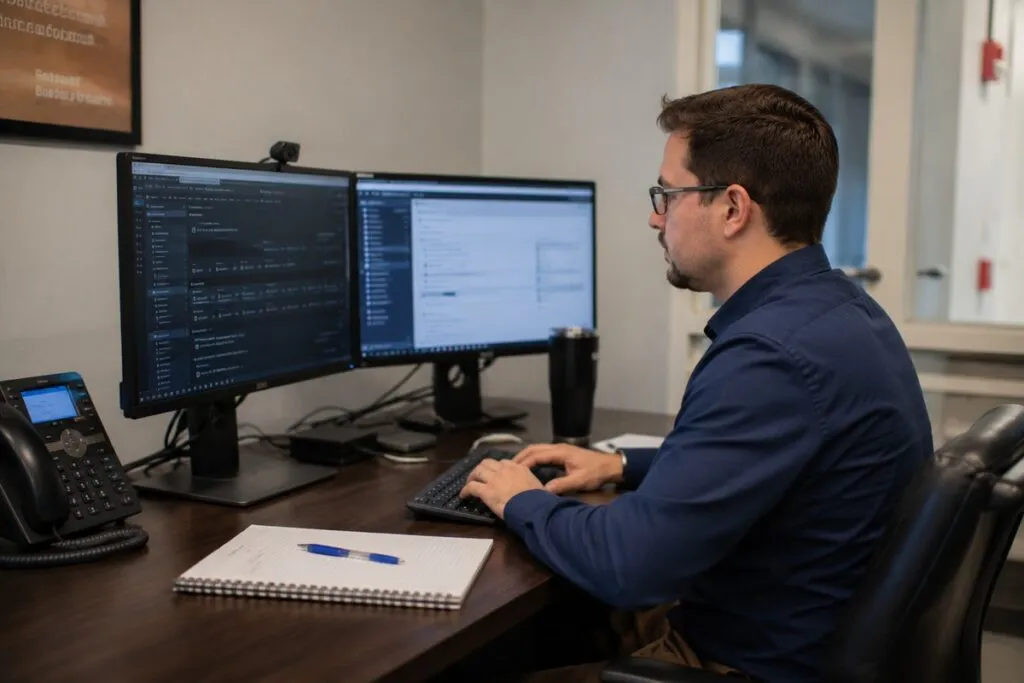
Modern Desktop Support increasingly overlaps with endpoint engineering and workplace technology.
Employers frequently seek experience with:
| Platform | Why It Matters |
|---|---|
| Microsoft Intune | Endpoint management |
| Microsoft 365 | Productivity support |
| Entra ID | Identity management |
| SCCM / MECM | Software deployment |
| ServiceNow | Enterprise ticket management |
| Jira Service Management | Incident workflows |
| VMware Horizon | Virtual desktop support |
| Citrix | Remote application delivery |
| TeamViewer | Remote assistance |
| BeyondTrust | Secure remote access |
| CrowdStrike | Endpoint security |
| Jamf | Apple device management |
Recruiters understand that candidates rarely possess deep expertise across every platform.
The more important question is how quickly candidates adapt to new enterprise technologies.
Scaling Desktop Support During Organizational Growth

Business growth places unique pressure on support organizations.
Consider a company expanding from 300 to 800 employees over twelve months.
Growth requires more than hiring additional technicians.
Organizations often need:
- Standardized imaging
- Asset tracking
- Automated deployments
- Improved documentation
- Expanded onboarding processes
- Updated support workflows
- Executive support planning
- Device lifecycle forecasting
Without staffing ahead of growth, support quality often declines despite increasing headcount.
Experienced recruiters help employers anticipate these staffing inflection points before operational problems emerge.
Business Continuity Depends on Reliable Support Coverage
Desktop Support contributes directly to business continuity.
When critical support positions remain vacant:
- Executive systems remain unresolved longer.
- Remote workers lose productivity.
- Device failures interrupt operations.
- New offices experience slower deployments.
- Disaster recovery efforts become more difficult.
- Security patching schedules slip.
- IT project timelines extend.
Organizations frequently focus continuity planning on servers and infrastructure while overlooking the operational dependency on frontline technical support.
Reliable Desktop Support staffing reduces organizational risk across every department.
Why Employers Partner with Specialized Technical Recruiters
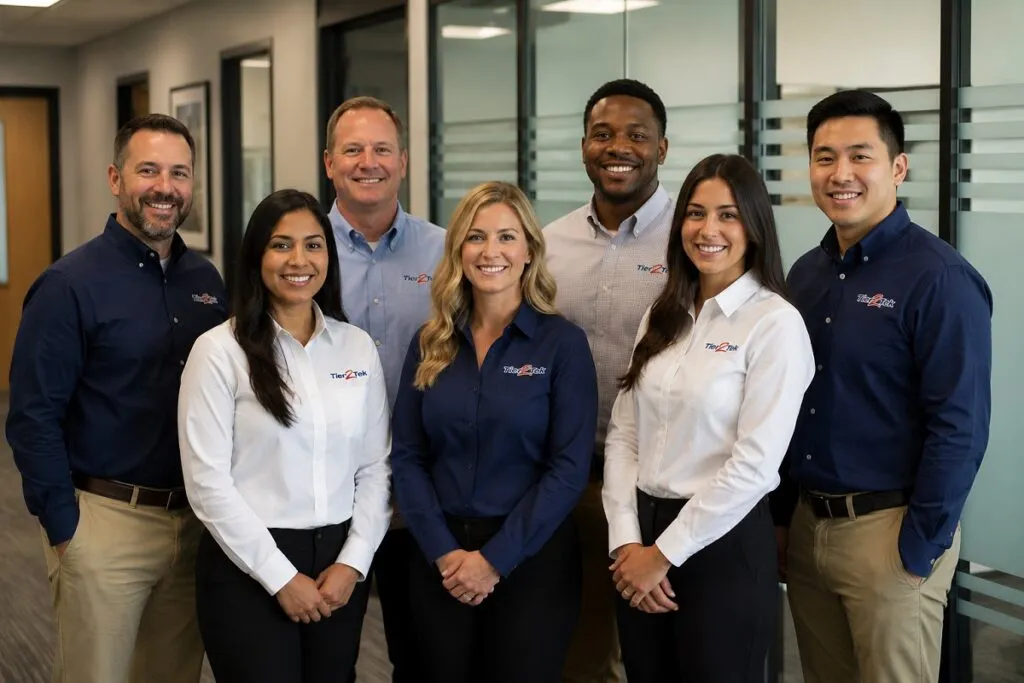
General recruiters often evaluate Desktop Support primarily through keyword matching.
Technical recruiters look deeper.
Tier2Tek examines:
- Enterprise support environments
- Troubleshooting methodology
- Ticket prioritization
- Infrastructure exposure
- User communication
- Technology adaptability
- Career progression
- Operational impact
- Team fit
- Long-term retention potential
These recruiting observations are developed through repeated conversations with hiring managers, IT leaders, and support professionals across diverse industries.
The goal is not simply filling vacancies but improving operational stability through stronger hiring decisions.
Frequently Asked Questions
Hiring timelines vary by market, compensation, and technical requirements, but experienced candidates often receive multiple offers quickly. Delayed interview processes frequently reduce hiring success. Typically, we provide candidates within 1 to 3 days.
No. Prioritizing core competencies, learning ability, and enterprise troubleshooting experience generally produces stronger long-term hires than requiring every platform.
Communication, prioritization, ownership, adaptability, documentation, and professionalism consistently distinguish high-performing Desktop Support professionals.
Limited advancement, burnout, compensation gaps, excessive ticket volume, poor leadership, and lack of technology exposure commonly contribute to turnover.
Our evaluation combines technical discussions, operational scenario analysis, resume validation, communication assessment, and practical observations gained from recruiting Desktop Support professionals across enterprise environments.
Editorial Standards and Recruiting Expertise
Tier2Tek develops staffing content using practical recruiting experience, employer hiring observations, technical screening methodologies, and evolving workforce trends. Our editorial approach emphasizes operational accuracy, real hiring challenges, and evidence-based recruiting practices so employers receive guidance that reflects today’s IT labor market rather than generic staffing advice.
Request Desktop Support Talent
Finding Desktop Support professionals who can strengthen day-to-day operations requires more than matching technical keywords. Tier2Tek identifies candidates with the troubleshooting ability, communication skills, and operational mindset needed to keep your workforce productive. Contact Tier2Tek to discuss your Desktop Support hiring needs.